EMBRACING MOBILE DEVELOPMENT & iOS: SWIFT, SWIFTUI, AND WHAT TWO NATIVE APPS TAUGHT US
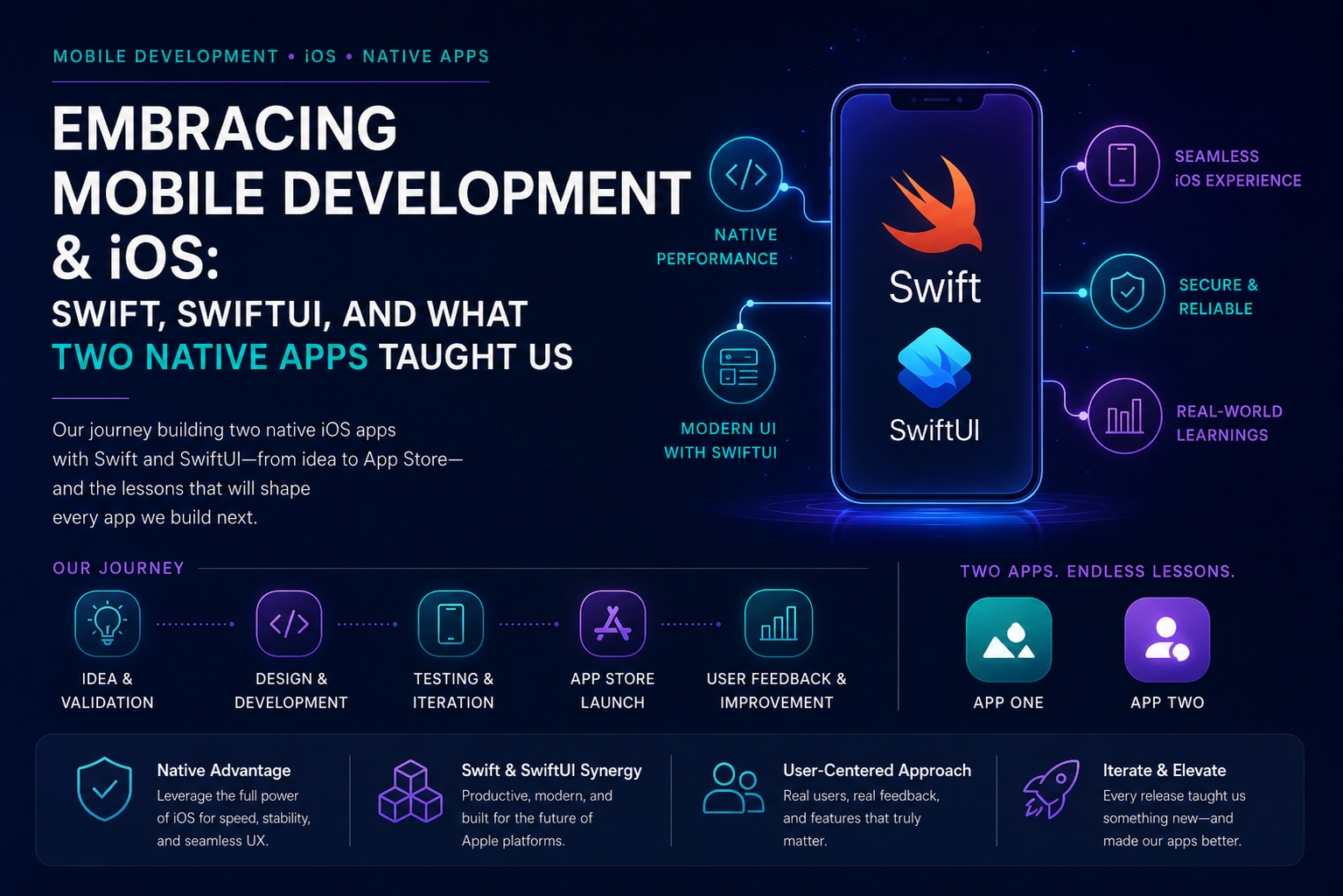
If you already ship web apps, APIs, and cloud infrastructure, mobile can feel like a parallel universe: signing, entitlements, App Store rules, and a UI toolkit that rewards patience more than copy-paste from React.
We recently built two native SwiftUI iOS apps from scratch—one wellness and journaling product with encrypted cloud sync, and one AI-augmented sports intelligence companion built for a timed delivery window. Neither started as a WebView wrapper. Both followed the same consulting principle we use across engagements: pick the least native surface that meets the bar, and go fully native when offline behavior, identity, and device UX are the product.
This post generalizes architecture, configuration, and lessons learned. It does not include client names, tenant identifiers, API hostnames, or product-specific copy.
DECISION: WRAPPER VS NATIVE (AND WHY WE CHOSE NATIVE TWICE)
Our iOS delivery framework describes three paths:
Option A — WebView shell
Use when the theme must match an existing mobile web app exactly.
Option B — Hybrid wrapper
Use when the web app is the product and native code only adds push, camera, auth handoff, or similar.
Option C — Full native (SwiftUI)
Use when offline-first storage, Keychain sessions, SwiftData, and App Store-native flows are core to the value.
Both apps landed on Option C.
The wellness app’s value is daily rituals, on-device journaling, streaks, and encrypted backup tied to sign-in—not reproducing a website. While the sports intelligence app needed feed cards, follow lists, and AI explanations with tight loading states, offline fixtures, and clear MVVM boundaries for a demo deadline.
Lesson: Do not choose SwiftUI “to learn mobile.” Choose it when device persistence, auth, and UX latency are part of the value proposition.
SHARED ARCHITECTURE BASELINE
Both codebases follow the same structural habits we document for consulting delivery:
App/ Root navigation, dependency container, scene lifecycle
Features/ One folder per user-facing area (auth, home, settings, etc.)
Shared/ Models, services, theme, reusable components
Resources/ Assets, bundled JSON catalogs, privacy manifest
Tests/ Pure logic first (rotation rules, parsers, limits)

CONFIGURATION WITHOUT SECRETS IN GIT
Both projects use XcodeGen (project.yml) so the Xcode project is generated, diffable, and CI-friendly.
Build-time configuration flow:
1. Secrets.xcconfig (gitignored) holds API base URL, identity host, client ID, team ID.
2. Info.plist receives substituted keys at build time.
3. AppConfiguration reads from the bundle at runtime—never hard-code environment URLs in Swift.
Lesson: Treat Secrets.xcconfig.example as a contract. If a key is required for Release, document it in a verify script, not in chat history.
STRICT CONCURRENCY FROM DAY ONE
Enable SWIFT_STRICT_CONCURRENCY = complete in project settings early. UI types (@MainActor), auth services, and SwiftData stores should be main-actor bound; network clients can be Sendable structs.
Fixing isolation warnings after a Release archive is expensive. Fixing them while the codebase is small is boring—in a good way.
APP A — OFFLINE-FIRST WELLNESS (SWIFTDATA + CLOUD SYNC)
Data strategy
SwiftData — session cache for profile, journal entries, letters, streak metadata
Bundled JSON — catalog content (prompts, samples) when the API is unreachable
Keychain — auth session tokens, device installation id
UserDefaults — lightweight flags only (e.g. onboarding complete), not account identity
Backend phase (Azure Functions + blob storage):
Anonymous catalog reads
Authenticated member blob per account, keyed by JWT “sub” (subject id)
Session model (the important part)
Early prototypes treated cloud backup as “upload when convenient.” That failed a real test: two accounts on one device showed each other’s data.
The pattern we moved to:
1. Bind session on sign-in or cold start: clear local cache, then load encrypted data for this credential only.
2. End session on sign-out: clear cache so credentials and data decouple.
3. Debounce upload on mutations; sync when the app backgrounds.
4. Server stores opaque ciphertext only; client derives encryption key from sub.
Layers we separated:
Remote store protocol — HTTP only
Local store — SwiftData export, import, clear
Session service — bind, end, sync, reload, delete
Lesson: UserDefaults heuristics like “last signed-in email” are not account isolation. Credential sub plus explicit cache lifecycle is.
AUTH: NATIVE EMAIL VS. FEDERATED OIDC
Email and password: native auth API in-app when the identity platform supports it (no browser sheet on the happy path).
Google and work SSO: ASWebAuthenticationSession with PKCE—never embedded WKWebView for OIDC.
Federated redirect details matter:
Microsoft Entra External ID expects domain_hint=google, not google.com.
Sign-in: prompt=login. Create account: prompt=create with the same hint.
Verify authorize URLs in a shell script before every archive.
Lesson: Auth dictates architecture more than UI. Budget time for identity tenant vs hosting subscription—they are different Azure contexts.
INFRASTRUCTURE HABITS
Dev stack first (consumption Functions, blob storage, dev resource group).
Prod is a separate stack—deploy when you have a final version, not when curiosity strikes.
Infrastructure as code plus publish and verify scripts as the minimum ops loop.
Operator scripts for user and blob deletion should document that blob paths use JWT sub, not always the directory object id.
APP B — AI COMPANION (API-FIRST, FIXTURE-FRIENDLY)
The sports intelligence MVP targets event delivery with a clear scope lock: limited athletes, meets, one notification type, one AI module with deterministic fallback.
Architecture principles (from our AI governance)
1. Separate truth computation from language generation.
2. Scores, rankings, breakout bands — deterministic code.
3. The language model explains verified signals; it does not invent them.
4. API responses allow null text and a fallback reason when the model fails—the UI never blocks.
iOS shape
APIService — single gateway, async/await, shared response envelope (data + meta).
View models parse confidence, source citations, and nullable insight text.
Stub data in view models until the backend URL exists—the simulator demo must work on weak Wi‑Fi.
Notification service boundary ready for server-queued jobs later.
Backend shape (FastAPI path)
Our full-stack launch playbook sequence:
1. Scaffold iOS shell with stubs.
2. Two or three API endpoints.
3. Container hosting, database, secrets vault.
4. Point APIService at the live host.
Lesson Here: For demo-driven AI products, fixture-first beats “wait for ingestion.” Live data is enhancement, not dependency.
CONFIGURATION CHECKLIST (BOTH APPS)
Before TestFlight or a client handoff:
Secrets in git? No — xcconfig plus vault.
Simulator runs without backend? Yes — bundled catalogs or view model stubs.
Release verify script? Auth URLs and plist keys, or build plus API health.
@MainActor on UI services? Yes.
Privacy manifest present? Yes.
Account delete path? In-app plus operator script where applicable.
Dev/prod separation? Separate cloud resource groups or apps.
LESSONS LEARNED (STEPPING INTO MOBILE)
1. Thin slices still win on mobile
Ship sign-in, one home screen, one persisted entity before polishing five tabs.
2. Generate the Xcode project
Hand-editing project.pbxproj does not scale. XcodeGen keeps new Swift files from “on disk but not in target” failures.
3. Test logic without UI
Rotation rules, token parsing, message length limits, and streak math belong in unit tests.
4. Session state is a product feature
Sign-out must clear Keychain and local domain data when credentials end. Sign-in must rebind to the server for hosted identity.
5. Federated login is UX plus URL science
Icon buttons should map to tested authorize URLs. Document expected query parameters.
6. Two Azure directories is normal
Hosting subscription (Functions, storage) and identity tenant (CIAM users, Graph admin) both authenticate as you—but the az account target differs. Mixing them produces SubscriptionNotFound and wasted hours.
7. AI on mobile needs nullable copy
Every AI surface needs a deterministic string when inference fails. Never leave the user on a spinner with no fallback.
8. Demo reliability is SRE work
Weak network, expired tokens, and wrong account on device are P0 for apps you demo to stakeholders—not polish items.
HOW THIS MAPS TO OUR CONSULTING FRAMEWORKS
We do not treat mobile as a one-off skill set. The same delivery habits we use for web APIs, data pipelines, and AI features apply to iOS—what changes is where risk shows up first: signing and entitlements, session lifecycle on a shared device, and auth URLs that look fine in a spreadsheet but fail in TestFlight. The two native apps described in this post were built against our existing consulting frameworks on purpose. The frameworks did not dictate SwiftUI over a WebView; they gave us a shared vocabulary for scope, security, and quality gates so we could move fast without treating “prototype” as permission to skip identity, secrets, or account isolation. What follows is how each framework showed up in practice—not as checkbox compliance, but as decisions we would repeat on the next engagement.
iOS Web-App Delivery Framework
Our delivery framework starts with a explicit choice: WebView shell, hybrid wrapper, or full native client. Both apps in this story needed Option C—offline persistence, Keychain-backed sessions, and App Store-native flows—not because native is fashionable, but because device state and credentials were part of the product contract. The framework’s auth guidance (system browser for OIDC, external browser for payments and identity providers, tight host allowlists) directly informed how we wired federated sign-in and why we never embedded OIDC inside a WebView. On a future engagement where the product already has a strong mobile web experience and theme preservation is non-negotiable, we would still start with this rubric and document the decision in writing before writing Swift.
iOS + AI Delivery Framework
The sports intelligence app is the clearest expression of this framework: a single APIService gateway, view models that ship with fixture data, and AI-generated text that is optional in the API response—not a hard dependency for rendering scores or cards. Quality gates from the framework showed up as concrete behaviors: the home feed must load with stubs when the backend is down; explanation text must have deterministic fallback copy; view models must not call URLSession directly. That separation—service layer, nullable AI, demo-safe stubs—is how we keep event-driven and AI-augmented mobile work from collapsing into “wait for the model” UX.
iOS Full-Stack Launch Playbook
The playbook’s hour-by-hour sequence (iOS shell with stubs, minimal API, infra, wire live URL, harden) matches how we actually staffed the work. The sports app followed the FastAPI / container / database / CI path described in the playbook; the wellness app followed the same rhythm with a lighter Azure Functions and blob-storage backend instead of a long-lived container and Postgres. In both cases the rule held: the simulator demo must work before the cloud URL exists, and the live API replaces stubs behind configuration—not a rewrite of the UI layer.
Rapid Development Framework
Thin vertical slices, verify scripts, and phased infrastructure are Rapid Development habits we did not suspend for mobile. We shipped sign-in plus one persisted domain before polishing every tab. We added shell scripts that validate authorize URLs and API health before archive, not after a stakeholder sees a broken Google button. We stood up a dev environment first and queued prod until there was a final version worth isolating—avoiding the common mistake of paying for two stacks before the product shape is stable. Prototype speed still included non-negotiable security: no secrets in git, JWT validation on member routes, encrypted client-side payloads for personal data.
Code Repository Guideline
Repository hygiene is operational leverage on mobile because Xcode projects go stale fast if secrets, architecture, and CI live only in one developer’s head. Both apps use generated project configuration, gitignored xcconfig for environment values, architecture notes in-repo, and operator scripts for support tasks like account and blob deletion. The guideline’s expectation—that a product repo explains how to build, test, and deploy in copy-paste commands—matters doubly for iOS, where a new machine without the right plist keys fails silently until Release.
Responsible AI Governance Framework
Where AI appears in the sports app, governance depth matches the framework: classify the feature by risk, separate truth computation from language generation, and assume model failure is normal. Deterministic analytics and score bands are computed outside the model; the model explains verified signals under guardrails. That is the same principle we apply to larger AI systems—only the surface is a SwiftUI card instead of a dashboard. Readers building AI into mobile should treat nullable copy and provenance metadata as governance requirements, not UX polish.
If you are adopting these frameworks internally, use them as decision tools, not binders. The goal is repeatable judgment: know why you chose native, know where secrets live, know what happens when AI or the network fails—and document that in the repo before the next developer or client asks.
REUSABLE STARTER CHECKLIST (NEXT NATIVE iOS ENGAGEMENT)
This checklist is what we would run on day zero of the next native iOS engagement—whether the client already has a web product or is mobile-first from the start. It is ordered deliberately: frame the delivery model before scaffolding, scaffold before features, and features before ops polish. Skipping early items (especially the Option A/B/C decision and secrets layout) is how teams end up with a beautiful SwiftUI shell that cannot sign in, cannot demo offline, or shows the wrong member’s data on a shared test device. None of these steps require a finished design system; they require the same discipline we expect on backend and web work, adapted to Apple’s toolchain.
We use this list as an internal gate, not a public promise of timeline. A focused MVP can clear items 1–7 in the first sprint; items 8–10 often span the first time you connect to a real backend and the first time someone other than the builder signs in on a physical device. Treat item 10 as non-negotiable for any app that stores account-specific data— it is the cheapest place to catch the class of bug that erodes trust faster than a crash.
1. Frame: Option A/B/C decision in writing (one paragraph).
Before XcodeGen or SwiftUI views, write one paragraph: Are we wrapping an existing web app, hybridizing, or going native—and what evidence forced that choice? This prevents mid-project debates about rewriting UI that was never the problem.
2. Scaffold: XcodeGen, iOS 17+, strict concurrency, test target.
Generate the Xcode project from declarative config, target a current iOS baseline, enable strict concurrency early, and add a unit test target on day one. Retrofitting MainActor isolation after dozens of files is expensive; a test target that never runs is still cheaper than no target at all.
3. Shell: Root navigation, one feature, theme file, AppConfiguration.
Ship a navigable shell with one real feature path, a single theme source for colors and typography, and runtime configuration read from the bundle—not hard-coded URLs. The app should look like your product and run on simulator without backend credentials.
4. Data: SwiftData or stubs; never block demo on API.
Choose on-device persistence or in-memory fixtures so demos and development survive weak Wi‑Fi. The API enhances the app; it should not be a single point of failure for showing progress to stakeholders.
5. Services: One type owns HTTP; one owns auth; one owns session/sync if cloud-backed.
View models coordinate UI state; services own side effects. If member data syncs to a server, a dedicated session type should define bind, end, sync, and reload—so account switches do not become UserDefaults puzzles.
6. Secrets: xcconfig example plus verify script; no URLs in Swift source.
Commit an example secrets file, gitignore the real one, and add a script that fails Release prep when required keys are missing or authorize URLs drift. Mobile builds fail quietly when plist substitution breaks; automate the check.
7. Auth: PKCE and system browser for federated; document native vs browser paths.
Document which flows stay in-app (e.g. native email) and which use ASWebAuthenticationSession (Google, work SSO). Capture the exact query parameters you expect—domain hints and prompt values included—and re-verify when the identity platform updates.
8. Backend: Smallest API surface; JWT sub as account key for member data.
Expose the fewest routes the app needs; key member blobs and rows by JWT subject, not email strings on the client. Validate tokens on every protected route; return 401 without auth so health checks stay honest.
9. Ops: Dev environment only until “final version”; prod playbook queued, not skipped.
Stand up dev infra first, document deploy and verify commands, and defer prod until you are ready to support two environments intentionally. Queuing prod is a decision; forgetting prod until launch week is an accident.
10. Ship gate: Simulator, device, sign-out/sign-in, second-account isolation test.
Before TestFlight or client handoff: run on simulator and a physical device; sign out and back in; sign in as a second account on the same device and confirm the first account’s data does not appear. This test is short and catches the most embarrassing production-class mobile bugs.
FINAL THOUGHTS
Stepping into native iOS from a web and cloud background is less about learning Swift syntax and more about learning where mobile fails quietly: signing and configuration, identity URLs that work in a spreadsheet but not on a device, session state on a shared phone, and the temptation to treat cloud backup as an afterthought instead of an account contract. Building two SwiftUI apps—one offline-first with encrypted sync and federated auth, one API-first with fixture-driven demos and optional AI explanations—forced the same lesson twice: thin vertical slices beat big plans, services beat scattered URLSession calls, and “prototype” does not mean skipping secrets, JWT validation, or a second-account test. The frameworks we already used for web and AI delivery still applied; only the failure modes changed. If you take one thing from this post, let it be that mobile credibility is earned at bind time—when credentials attach to data—not when the UI looks finished.
If you are planning a native iOS app, untangling sign-in and sync, or deciding whether to wrap an existing web product or build in SwiftUI, you do not have to rediscover these gates on your own. At A.M. Tech Consulting, we help teams frame the delivery decision, stand up dev-ready architecture (auth, API, and ops), and ship with the same discipline we use on our own products—verify scripts, session isolation, and demo-safe paths before TestFlight. Whether you need a short architecture review, hands-on implementation support, or a clear day-zero checklist applied to your stack, we would welcome a conversation. Reach out through amtechconsulting.org or contact us using the contact page on our site, and tell us what you are building—we will respond with whether we are a fit and what a sensible first step looks like.